neuri.bazar in 2 minutes
Real screens from the app, using a sample antique mall. Booths rent at a fixed monthly price; the mall rings up sales, and each vendor sees what they are owed.
Booths and rent
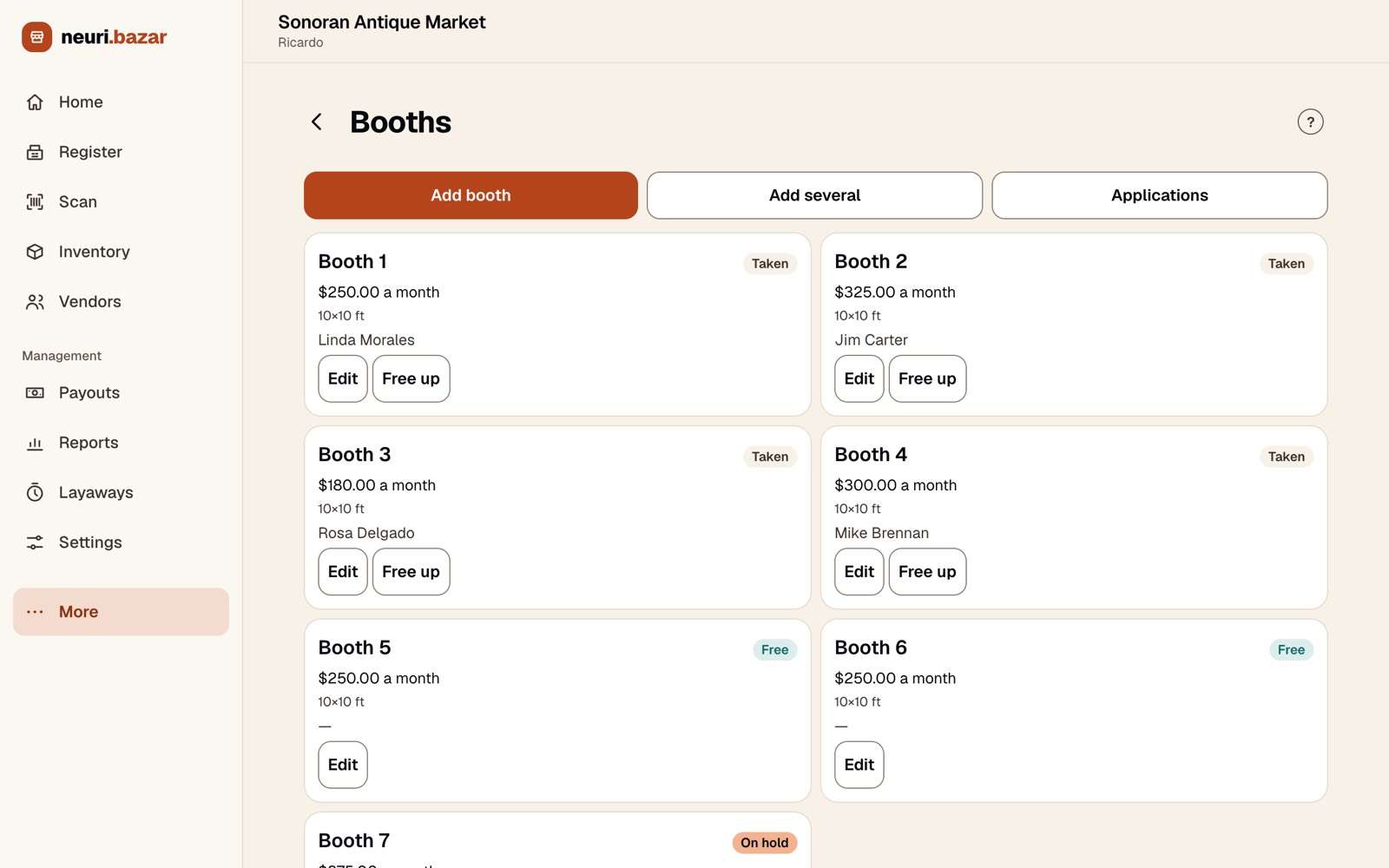
Every booth with its monthly rent, size, vendor and status: taken, free or on hold. Free up a booth or edit it in one tap.
Add a whole row at once
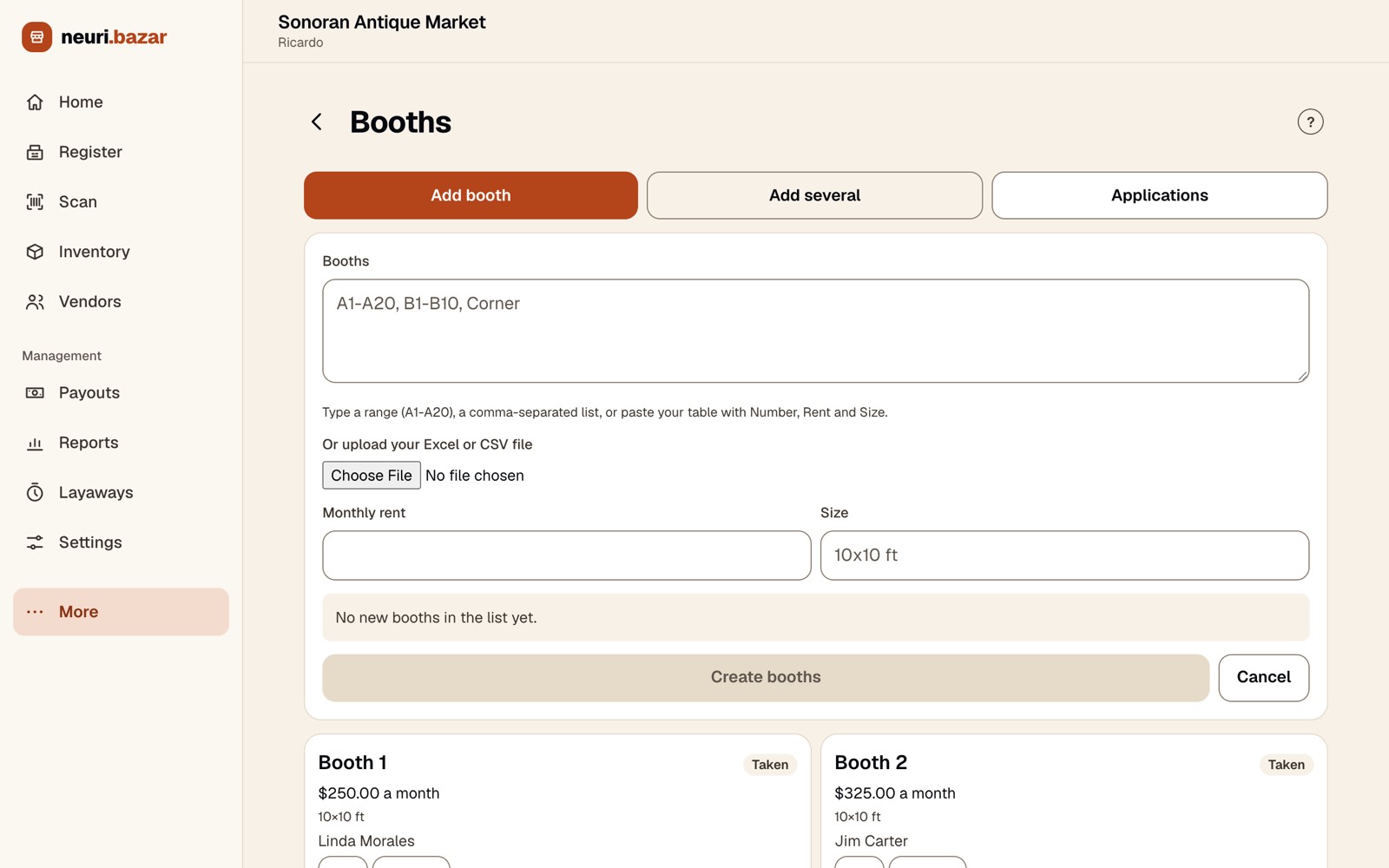
Setting up the mall? «Add several» takes a range like A1–A20, a list, or your Excel/CSV file with number, rent and size.
The register
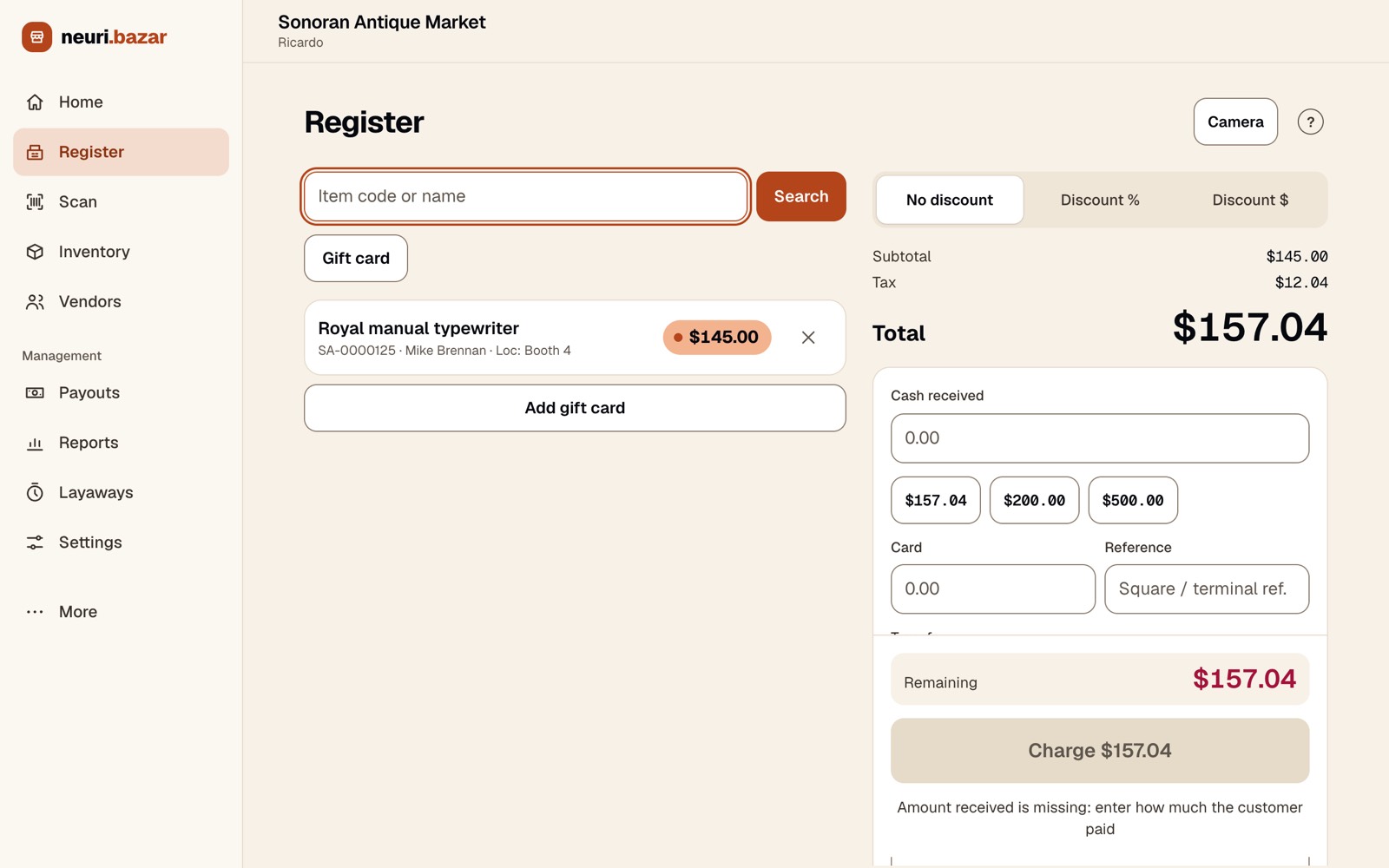
Find an item by code or name; it shows which vendor and booth it belongs to. Take cash or card (with your terminal reference), add a discount or a gift card.
Vendor payouts
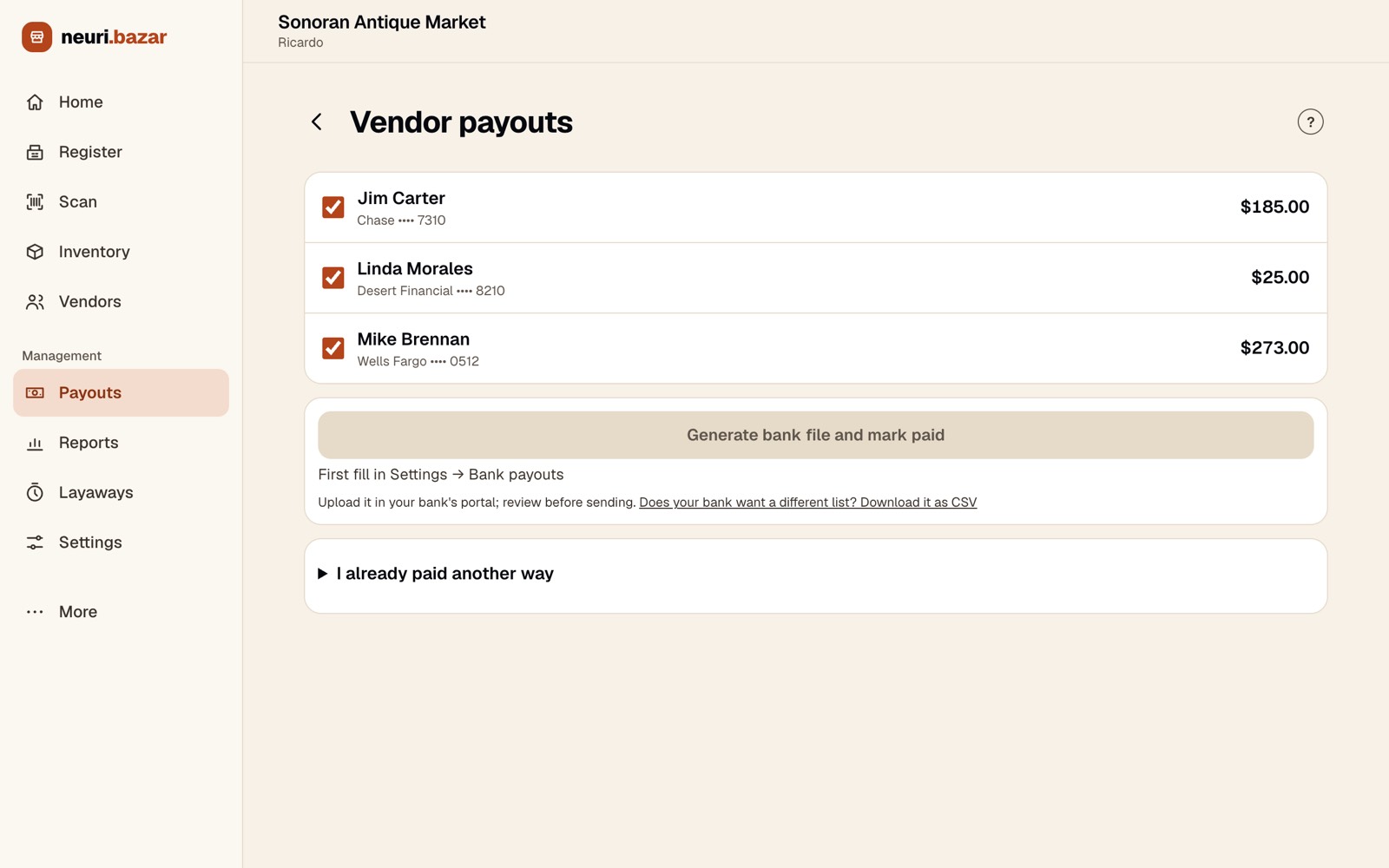
See what you owe each vendor, generate a file to upload to your bank's portal, or record that you paid another way.
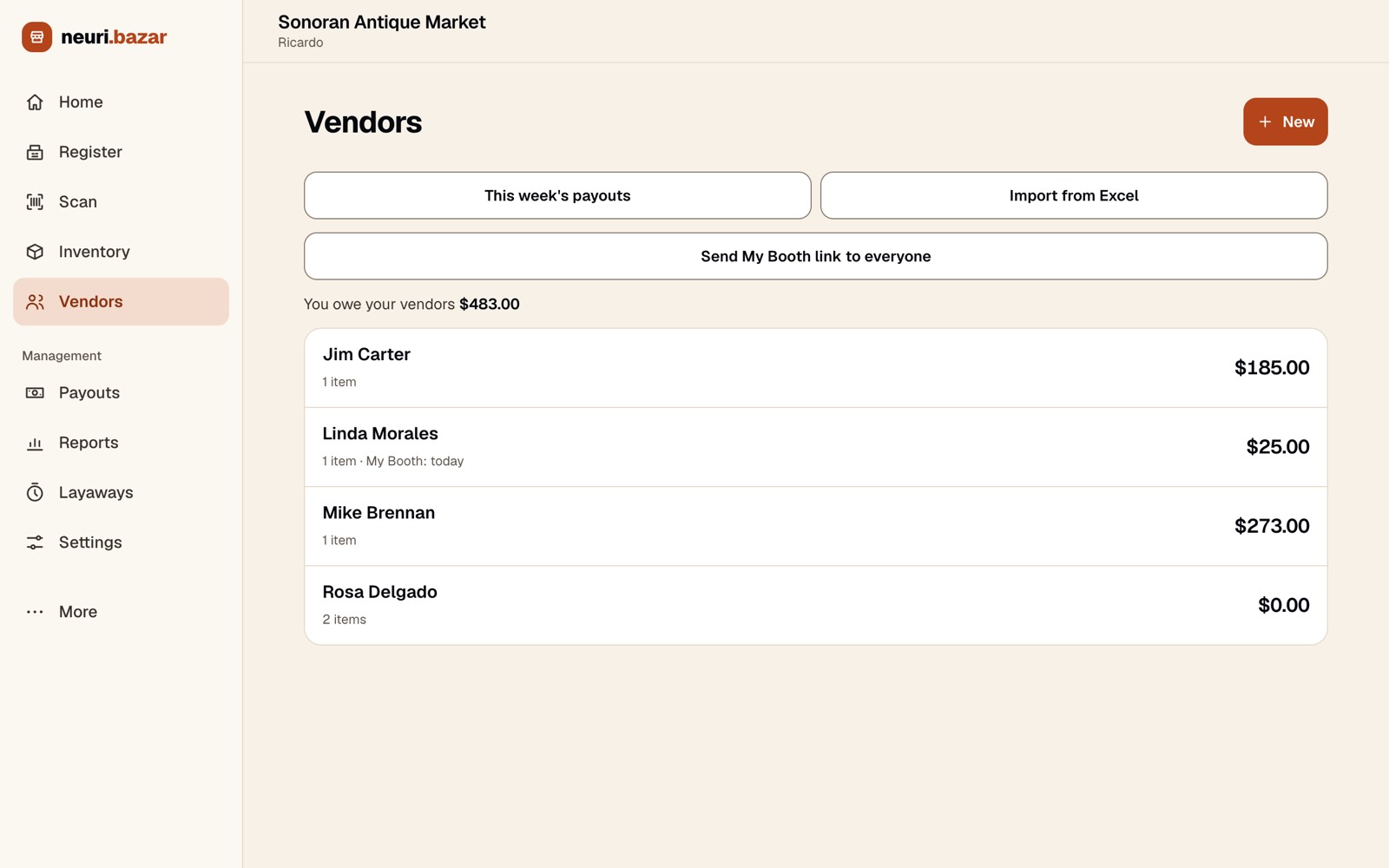
Your vendors
Everyone renting a booth, in one list.
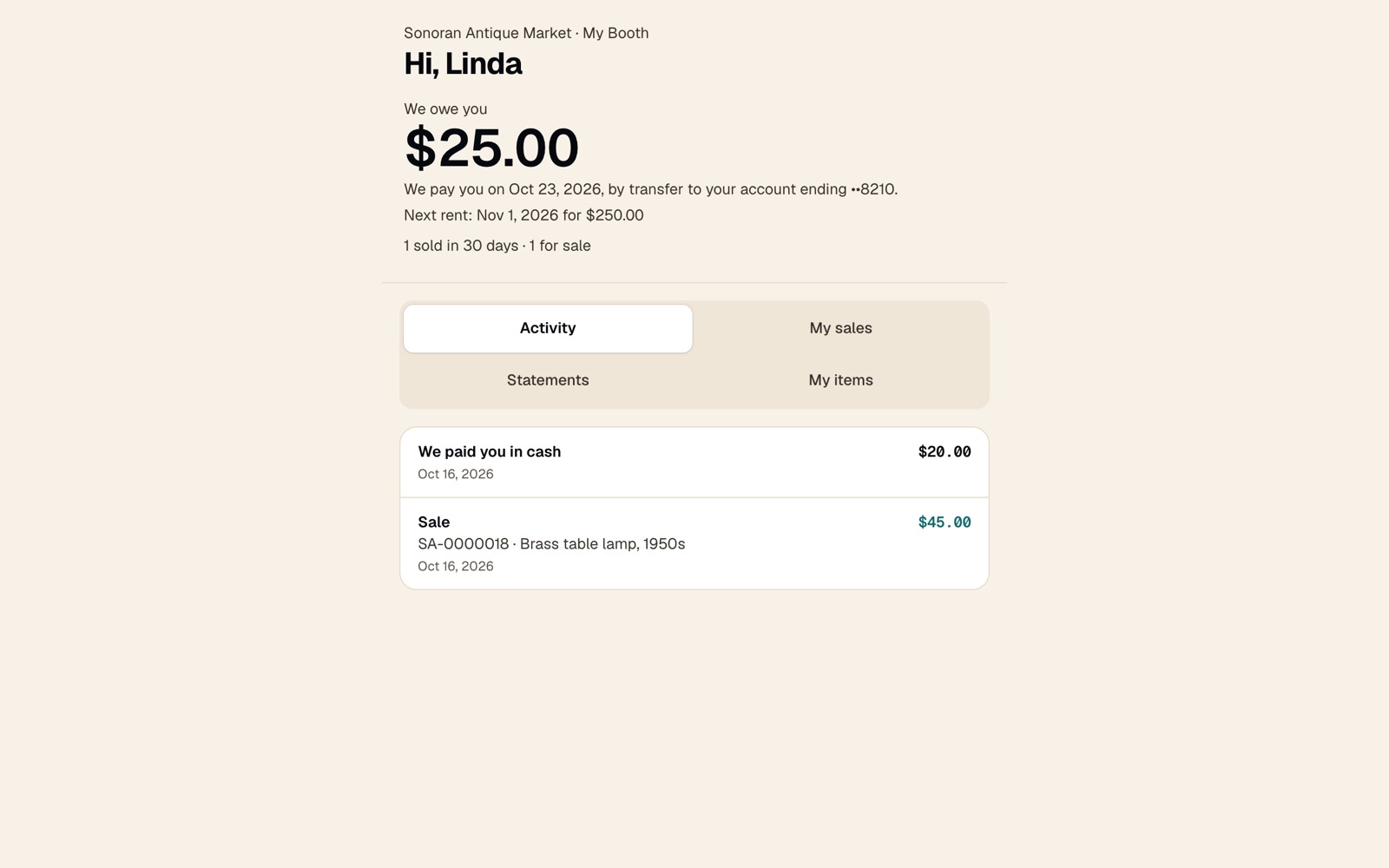
My Booth, for each vendor
Vendors open their own page: what they are owed, when they get paid, their next rent, their sales, items and statements. Fewer «did anything sell?» calls.
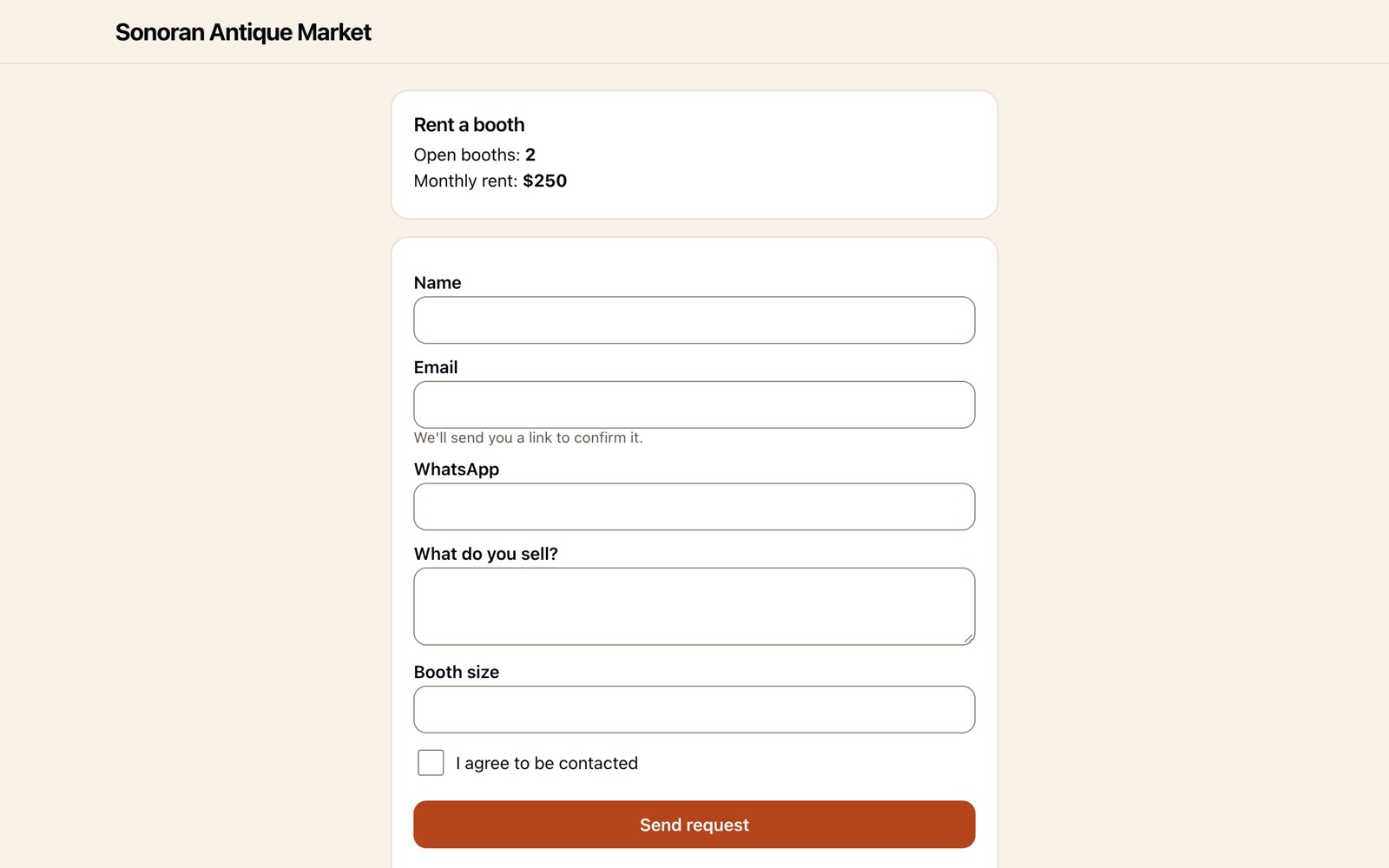
A page to rent a booth
A public page shows how many booths are open and the rent, and takes requests to rent one; the applicant confirms their email.
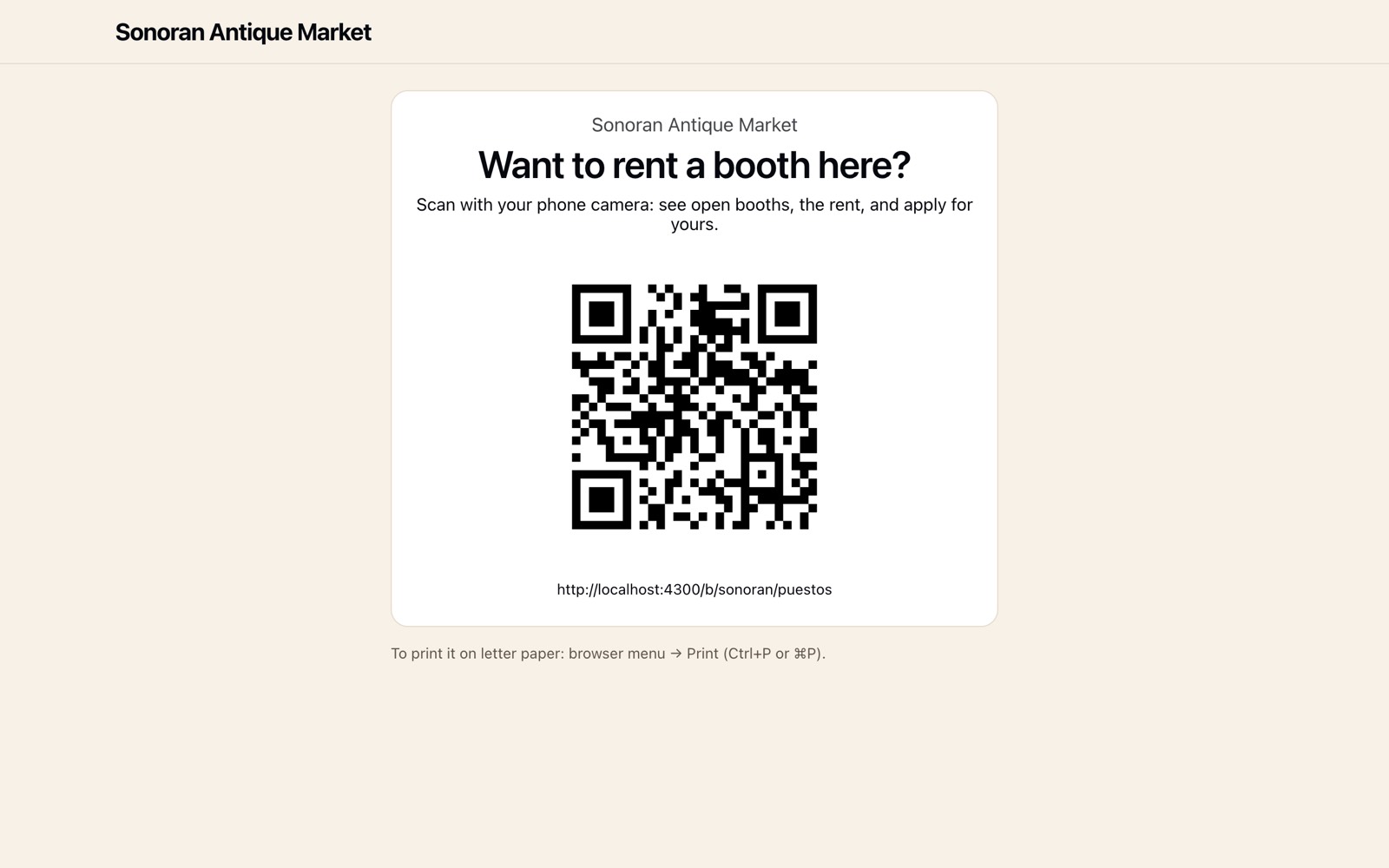
A poster for the front door
Print a letter-size poster with a QR code that opens that page.


Try it with your own mall
Start a free trial and load the demo from Home in one tap.
Screens show sample data. Back to neuri.bazar